Logo
LoveFaceSwap

Free AI Object Remover Online

Click or Drop to Upload

JPG, PNG up to 10MB

Quick Presets

Result Preview

After
Before
Before
After

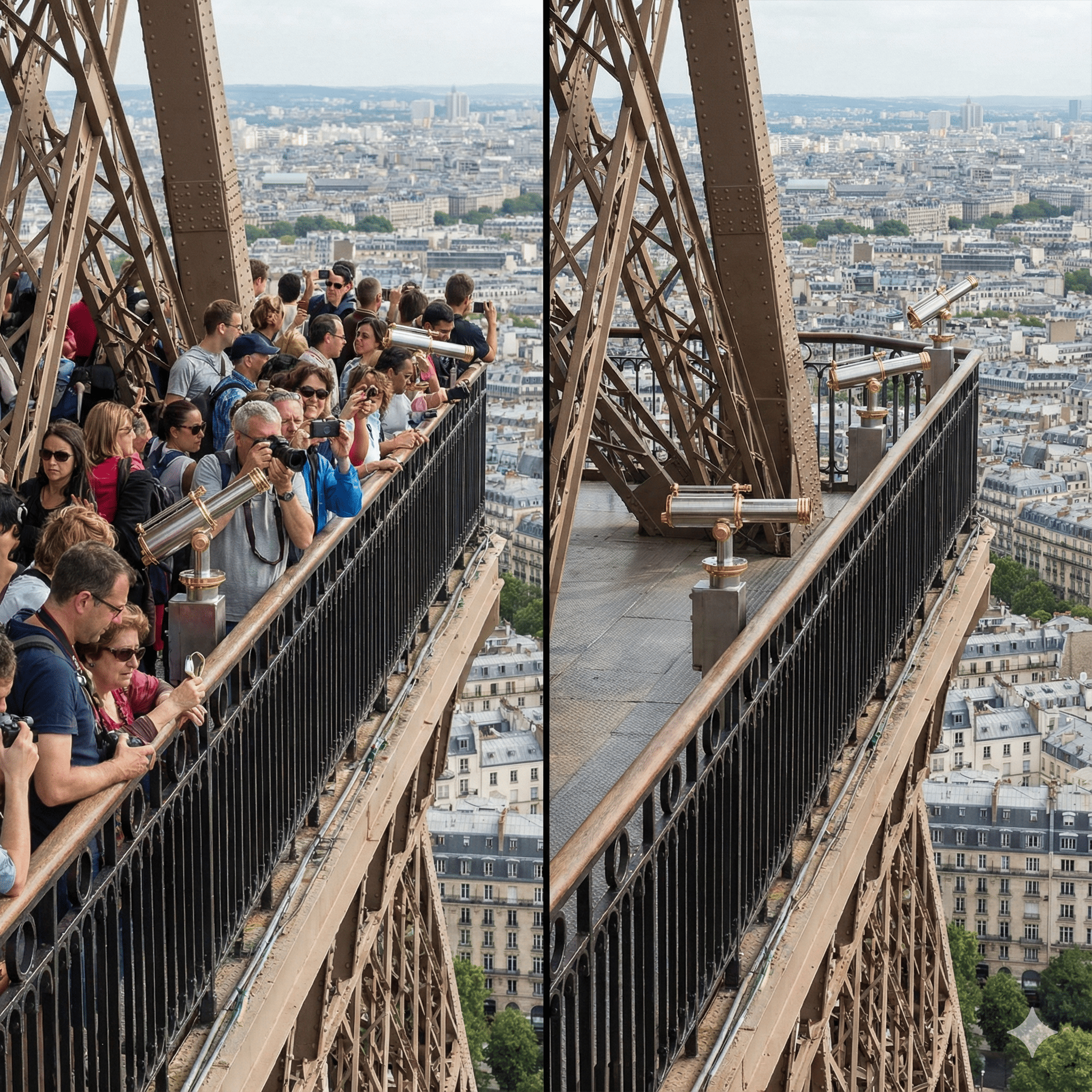
Auto Remove People from Photos

Don't let photobombers or crowds ruin your perfect travel shots. No need to manually brush over every person. Just type "remove tourists" or "delete people in background", and our AI will automatically detect and erase them, filling the background naturally.
Feature Image

Erase Text and Watermarks Instantly

Need to clean up a design or screenshot? Easily remove text, date stamps, captions, or brand logos from images. Simply input "remove text" or "erase watermark" to get a clean, high-quality image without blurring the details.
Feature Image

Cleanup Pictures: Remove Unwanted Objects
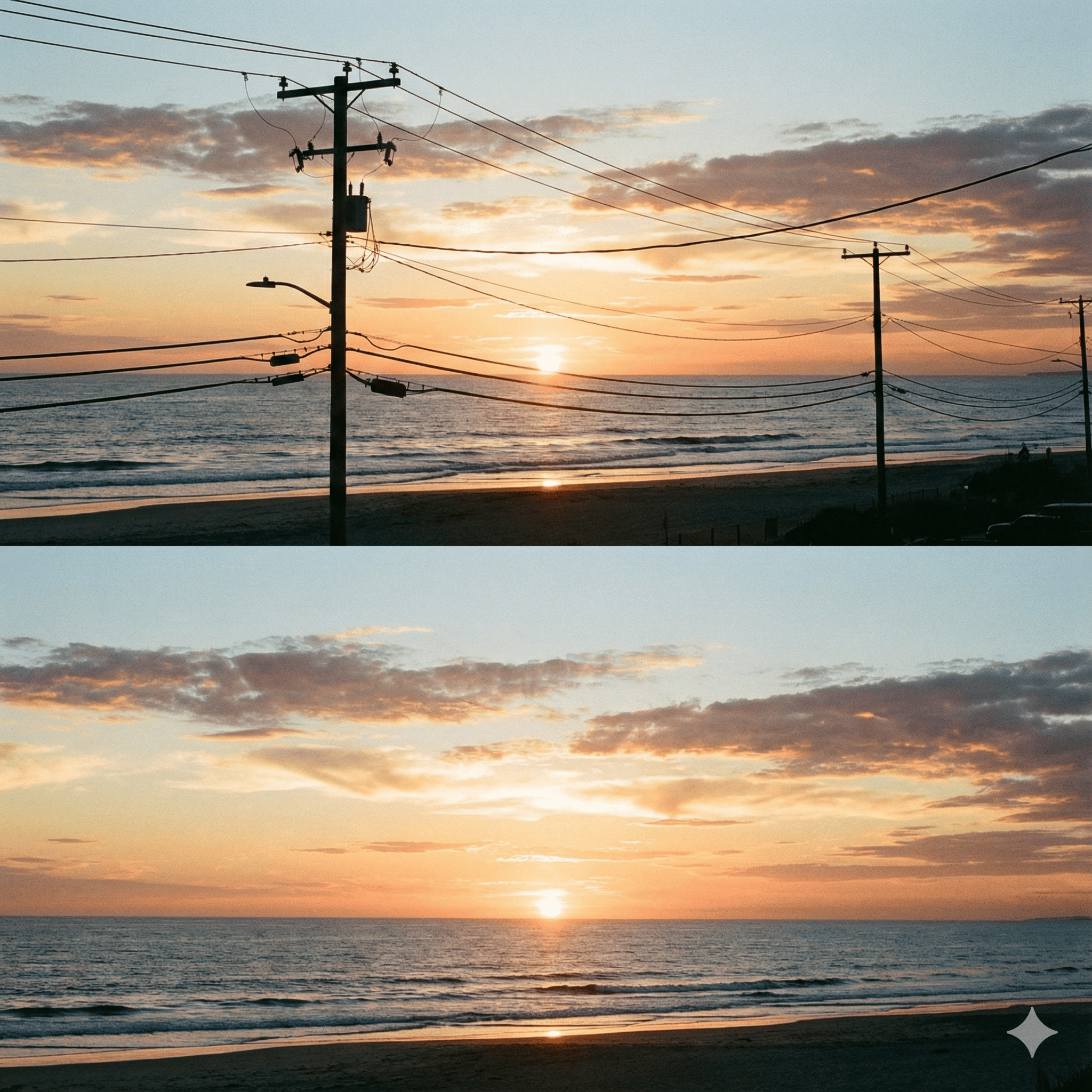
Make your photos look professional by removing distracting clutter. Whether it's a trash can, power lines, or a random car, just describe the object you want gone. Our AI magic eraser handles the complex pixel blending for you.
Feature Image

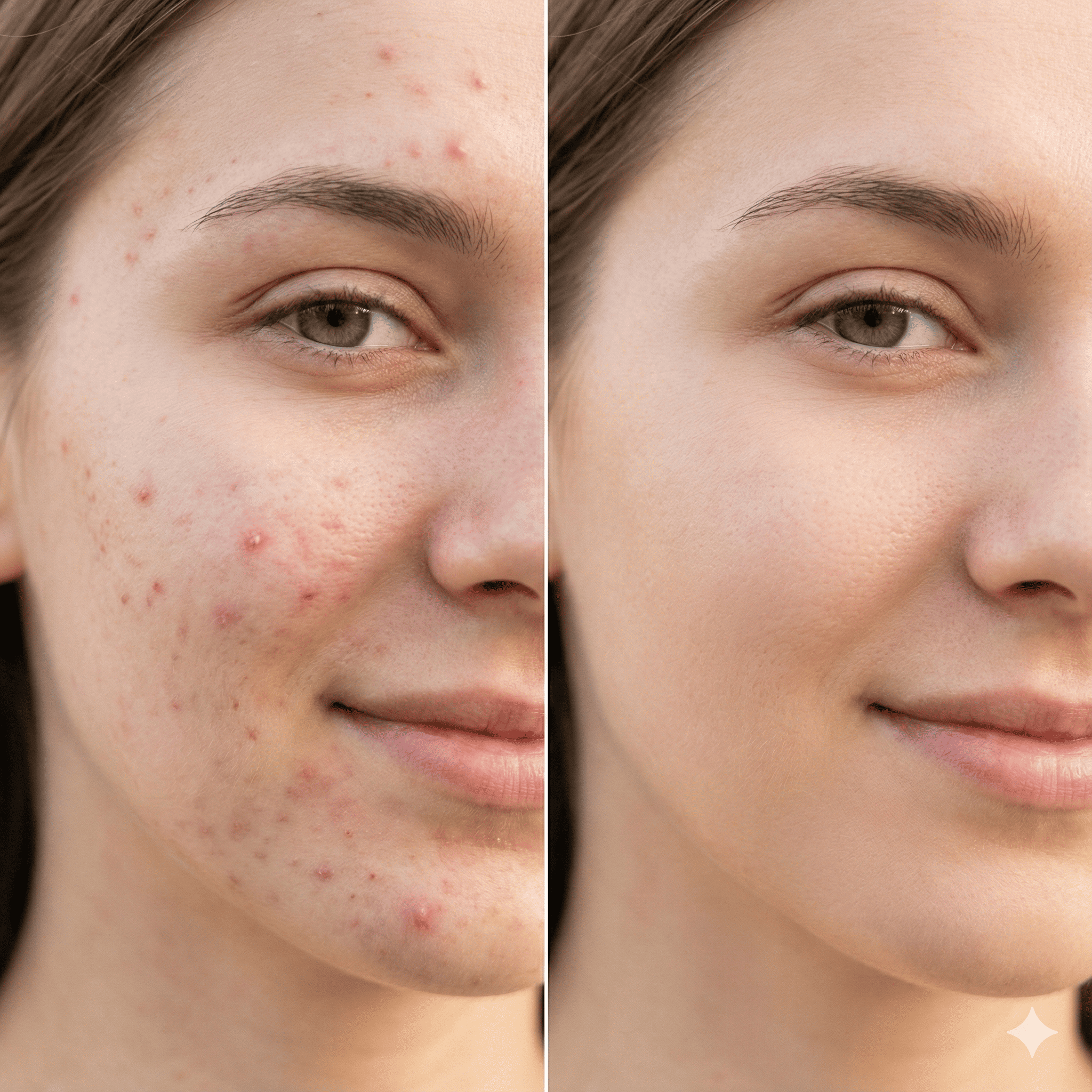
AI Skin Retouch & Blemish Remover

Achieve flawless portraits without complex editing software. Use simple prompts like "remove acne", "remove wrinkles", or "erase scar" to retouch faces. The AI understands context, keeping the skin texture looking natural.
Feature Image

Why Choose Our Prompt-Based Eraser?

Traditional tools require tedious manual brushing and zooming. We changed the game. By using text prompts, you can auto-select and remove objects with zero effort. It's faster, smarter, and free to try with high-quality results.
Feature Image

How to Auto Remove Objects from Photos – 3 Simple Steps

Experience the next-gen AI Magic Eraser. No manual brushing needed—just use text prompts or smart presets to clean up images instantly.

  1. 1

    1. Upload Your Image

    Simply drag and drop your image into the box, or click to browse. We support all major formats like **JPG, PNG, and WEBP**. Your photos are processed securely and optimized for the best AI results.
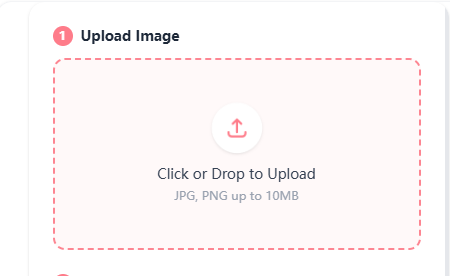
    Upload photo to online AI object remover
  2. 2

    2. Type Prompt or Select Template

    Tell the AI what to remove by typing a simple prompt (e.g., "remove the bag"). Or, for faster results, select one of our **auto-detection templates** like "Remove Text" or "Remove People" to let the AI do the work automatically.
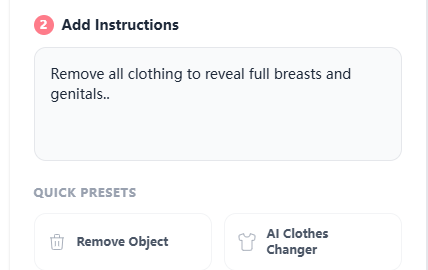
    Enter text prompt or select preset to auto remove objects
  3. 3

    3. Download Watermark-Free Result

    In seconds, the unwanted object will vanish, and the background will be naturally filled. Preview the comparison, and click **Download** to save your clean, high-quality image without any watermarks.
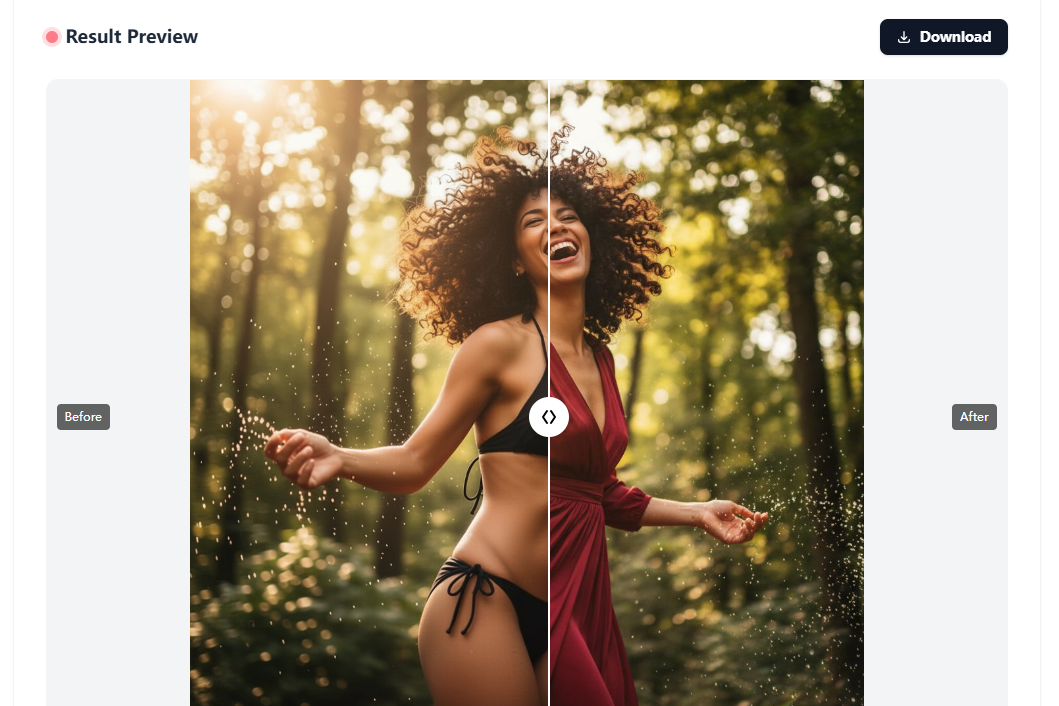
    Download high quality clean image without watermark

Our Main Features

Everything you need to create amazing content.

Text-to-Erase AI Technology

Revolutionize how you edit. Unlike traditional tools that require tedious manual brushing, our prompt-based AI allows you to simply describe what to remove. Type "remove the red car" or "delete the tourist," and the AI Magic Eraser executes your command instantly.

Smart Auto-Detection

Precision without the effort. Our advanced algorithms automatically identify the boundaries of objects, people, or text. You don't need to be pixel-perfect; the auto remove object engine ensures the subject is completely erased while preserving the integrity of the surrounding area.

Seamless Generative Fill

No blurry patches or distorted pixels. We use state-of-the-art generative AI to analyze the context of your photo and intelligently fill the background. Whether it is a complex texture like grass or a simple sky, the result is so natural that no one will know an object was ever there.

Instant Text & Watermark Eraser

Clean up your visuals in seconds. Perfect for e-commerce and design, this feature specializes in removing date stamps, subtitles, logos, and unwanted captions. Just type "remove text" to get a clean, watermark-free image ready for professional use.

Free & No Watermark Export

High quality shouldn't come with strings attached. Enjoy free trial credits to experience the power of our online photo eraser. Best of all, we don't stamp our logo on your work—download your clean, edited photos without any intrusive watermarks.

Privacy-Protected Processing

Edit with confidence. Your images are processed on secure servers solely for the purpose of editing and are automatically deleted shortly after. Use our free object remover knowing your personal photos and data remain private and secure at all times.
Cityscape background

What our users are saying

"I had a perfect shot of the Eiffel Tower, but a random tourist was blocking the view. I simply typed 'remove the tourist' and the AI erased him instantly. The background fill was so natural, you can't even tell the photo was edited. Best free travel tool ever!"

@TravelWithSarah

"As a reseller, I often need to clean up product images from suppliers. This tool is a lifesaver for removing watermarks and unwanted text. I don't need Photoshop anymore—just a quick text prompt and my product photos are ready for my store."

Mark D., E-commerce Owner

"I hate manually brushing over objects in other apps; it's so tedious. This 'Text-to-Erase' feature is genius! I just described 'remove the power lines' and the messy wires were gone in seconds. It saves me so much time."

Jessica L., Photographer

"I wanted to use a family photo for a holiday card, but there was a distracting trash can in the background. I was skeptical if the AI could handle the complex grass texture behind it, but it did a perfect job. Truly like magic."

Emily & Family

"This is my secret weapon for selfies. Instead of using heavy filters, I just use it to spot-remove acne or stray hairs. It keeps my skin texture looking real while removing the blemishes. Way better than standard beauty cams."

@StyleIcon_Mia

"I am not tech-savvy at all, but this website was super easy to use. No software to download, and I could try it for free without entering a credit card. It automatically removed the date stamp from my old digital camera photos perfectly."

Robert T.

Frequently Asked Questions

It is fast and easy. Unlike traditional tools, you do not need to manually brush over the object. Simply type a text prompt like "remove the tourist" or "delete the bag", and our <strong>AI Magic Eraser</strong> will automatically detect and remove the unwanted object instantly.